September 2026 · Hardware Projects
Right to Repair, Leftover Screws
My first attempt at replacing an M4 MacBook display assembly.
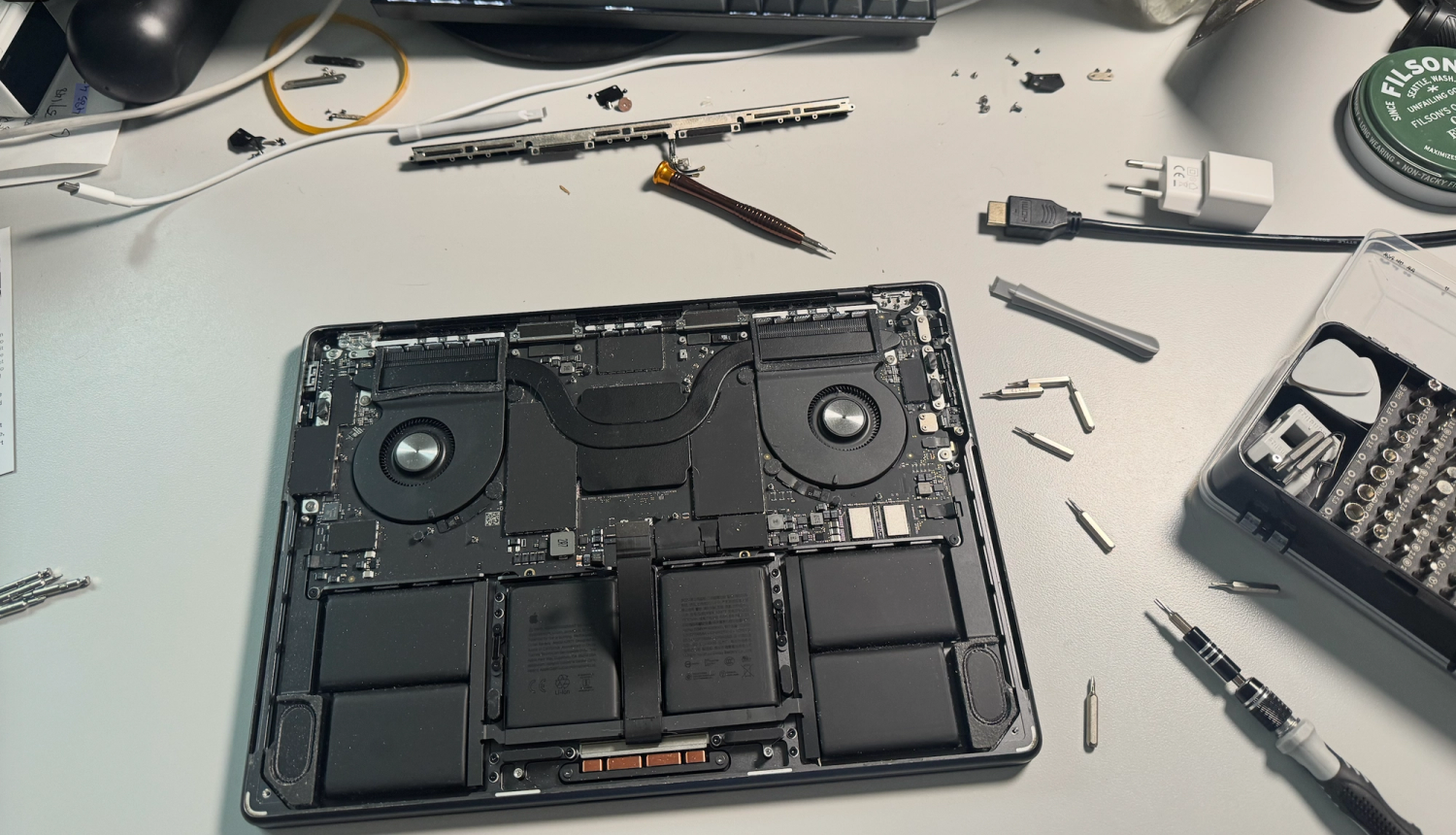
Recently, a flickering-lines issue on my M4 MacBook forced me to figure out what repairing one of these things actually looks like.
I’d replaced the screen on my dad’s 5+ year-old HP laptop in under an hour, so I was feeling reasonably confident. The MacBook was a different story. On newer M-series models, you’re essentially replacing the entire display assembly: lid, LCD, camera, microphones, sensors, and, of course, the lid-angle sensor. I would have much rather tried replacing a cable first than an entire perfectly good display assembly.
I found a replacement lid and screen on eBay and figured it was my best option. Only after I’d already started the repair did I realize Apple now sells genuine replacement parts directly. Thank you, EU and Right to Repair, I guess.
Three hours and an absurd number of tiny screws later, the new display was attached and working.
The engineering inside these MacBooks is kind of unbelievable. There’s something incredibly satisfying about opening up a machine you use every day and fixing it yourself. I may have lost a screw or two, and things might not have gone back together exactly as they started, but somehow I feel more attached to this laptop now because of it.
It also made me want to spend more time messing around with hardware projects this winter.